
What is an Organized Photo Library?
What is an organized photo library and why do you need one?
Everytime someone contacts me for help with their photos, one of the first questions I ask is “what does your ideal photo library look like?” The answer is almost always the same - “organized”. But what does that really mean?
I bet you are thinking about an named folder system or a “smaller” library with no “junk” or duplicates.
It’s time to change your thinking.
While those can be organized libraries for some people, I believe an organized photo library is more about finding what you need than it is about a specific structure.
It doesn’t matter if you have 1000 photos, 10,000 photos, or 100,000 photos if you can find that photo when you want to without endless doom scrolling, then you have an “organized” library.
While it’s important for legacy collections - photo collections you want to pass on to your kids or other family - to not be riddled with duplicates and “junk”, for your daily use which is more important? That you can find what you want or that you have a smaller library? I go for the former every single time.
The key is finding the system that helps you get there.
For some people photo organizing systems that rely heavily on AI for searching - think Apple Photos, Google Photos, Amazon Photos - will be perfect. Need a photo of someone’s birthday? These systems can find it for you fairly easily. Or photos from that trip to the beach? Again, these can find it for you by relying on facial recognition, GPS coordinates, and simple AI that can find a birthday cake or a beach. But they don’t work for more unusual or specific searching.
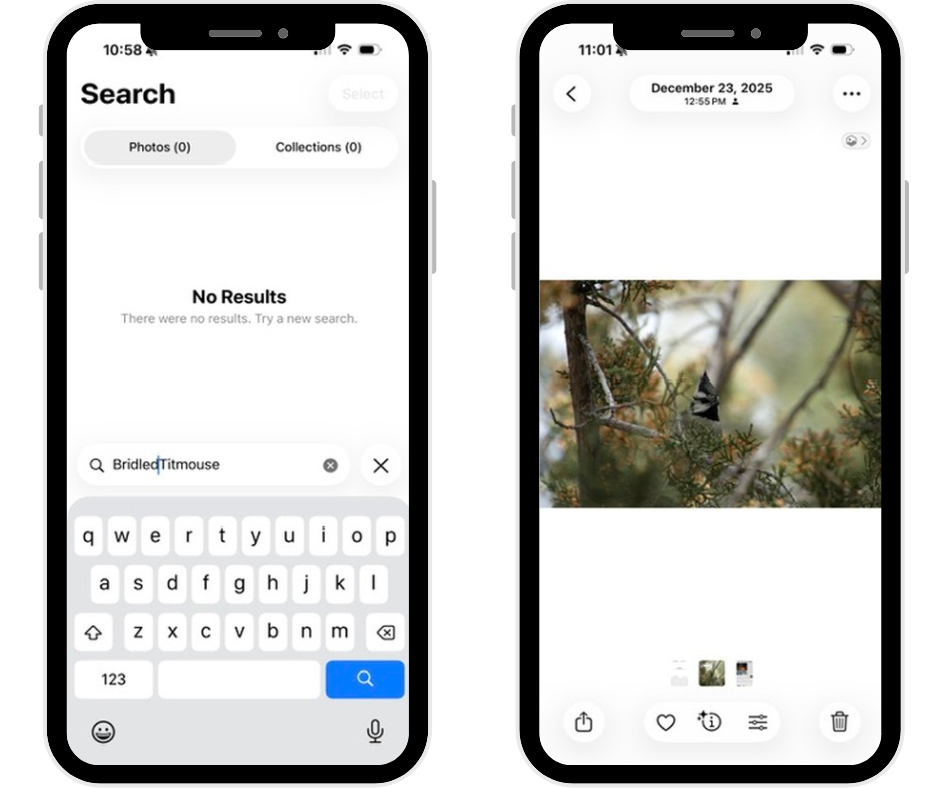
Left: my search for the Bridled Titmouse comes up blank in Apple Photos. Right: the photo I was looking for in my Apple Photos library. Note that you can add keywords in Apple Photos but only on the Mac and it is a cumbersome and disorganized process.
If you have more complicated needs, then you may want a more powerful program and you may need to put a bit more work into getting it “organized”. As a birder I would like to be able to find specific species of birds. There is no photo organizing software that can do that for me on its own.
For me that means I use keywords - every bird I have ever photographed has a keyword with its common name, and I use a star rating for my favorites. That allows me to easily see if I’ve photographed a bird, when, how often, where, and to find my “best ofs”. This takes more effort but it’s effort I am willing to put in and effort I can keep up with. Because of this I use Mylio Photos for my own primary collection as it allows me to keyword and star my photos. That doesn’t mean I need to do that for all of my photos, I still heavily rely on facial recognition and GPS when I am looking for a specific photo. For me, for my personal needs, an organized photo library includes keywords for the things that are important to me, that my software cannot find on its own.
I recently saw my very first Bridled Titmouse in Arizona. There is no program that will find these photos for me without a keyword so I had to add my own. But because I did this, I can pull them up in a second.
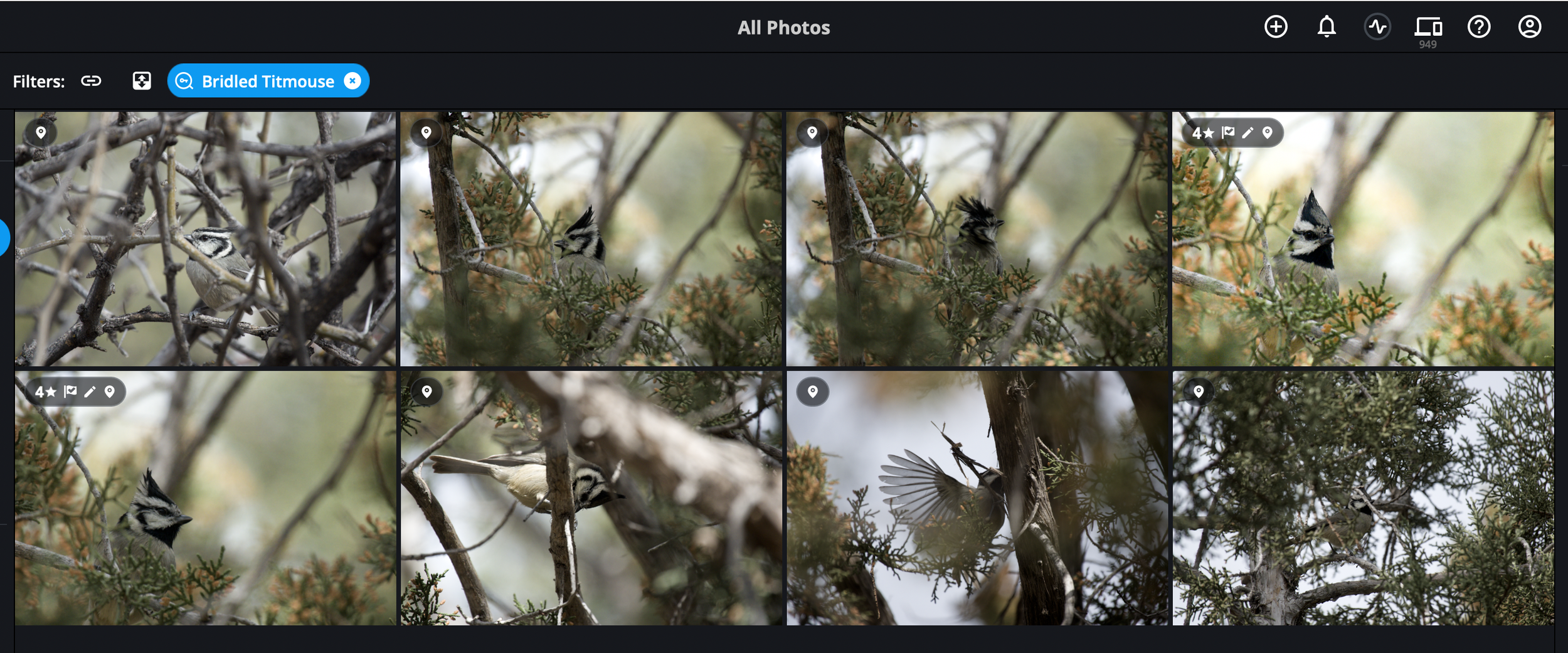
Bridled Titmouse - easily findable in Mylio with a keyword.
So before you stress yourself out over your photos thinking you need to “organize” them, think about this: can you find what you are looking for? If the answer is generally yes, then maybe you already have all the organization you need and you just need to learn how to better use the program you have. If the answer is no, then think about what do you want to find that you cannot currently find? There are lots of different solutions out there depending on your needs. Give me a buzz if you need some help figuring out what is right for you.