
Summer Travel - How to Share Photos?
Last month I spent 2 weeks in Romania, hiking, birding and boating. There were birds involved so of course I took thousands of photos thanks to burst mode on my camera. The first part of my trip I was with a small group of strangers-who-became-friends, the second part just with my cousin, so of course the question arose, how do we share our photos?
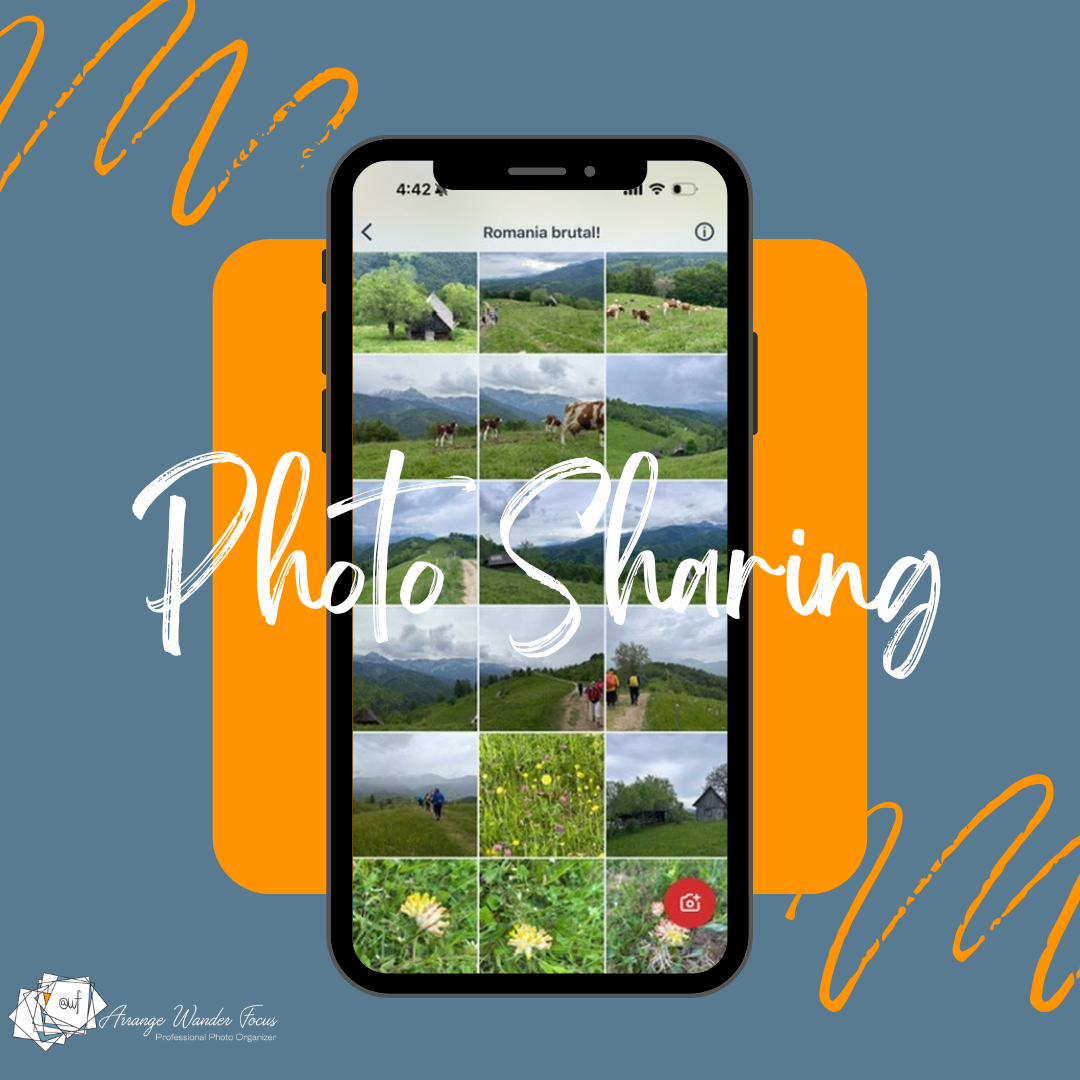
Requirements for Sharing Photos
This is always a conundrum. You need an app or a space where everyone can upload their photos and videos but how do you do it? This is what I want from an app or photo sharing site:
photos and videos are full size
they retain all metadata, such as the date and where it was taken
everyone should be able to easily access the media
everyone should be able to download at full resolution without losing any of that metadata
it needs to be cross-platform for Apple, Android, Mac and PC
for privacy reasons no one can invite new members except for the person who sets up the sharing
bonus if you can see who uploaded which photos and videos
We had some folks who took many photos (me!) and some that took few. We had iPhones, Android phones, and cameras. We had decent internet sometimes but not all the time.
Testing PhotoCircle
I am usually the one who sets up a photo sharing site, after all, that is my job. But this time a member of our group suggested using PhotoCircle. I had tried PhotoCircle before and had some privacy concerns, but as these photos did not involve a whole lot of person information (no children, no locations that would matter, etc), it was worth giving it another try. Plus I’m always interested in trying new apps.
With PhotoCircle, one person creates a circle and invites everyone else in the group to share. Those in the circle can upload photos and videos and everyone in the circle can see them. It was quite fast and relatively simple to use.
Bottom line? It suited our purpose, sort of, but I would not use it again. At least not the free account.
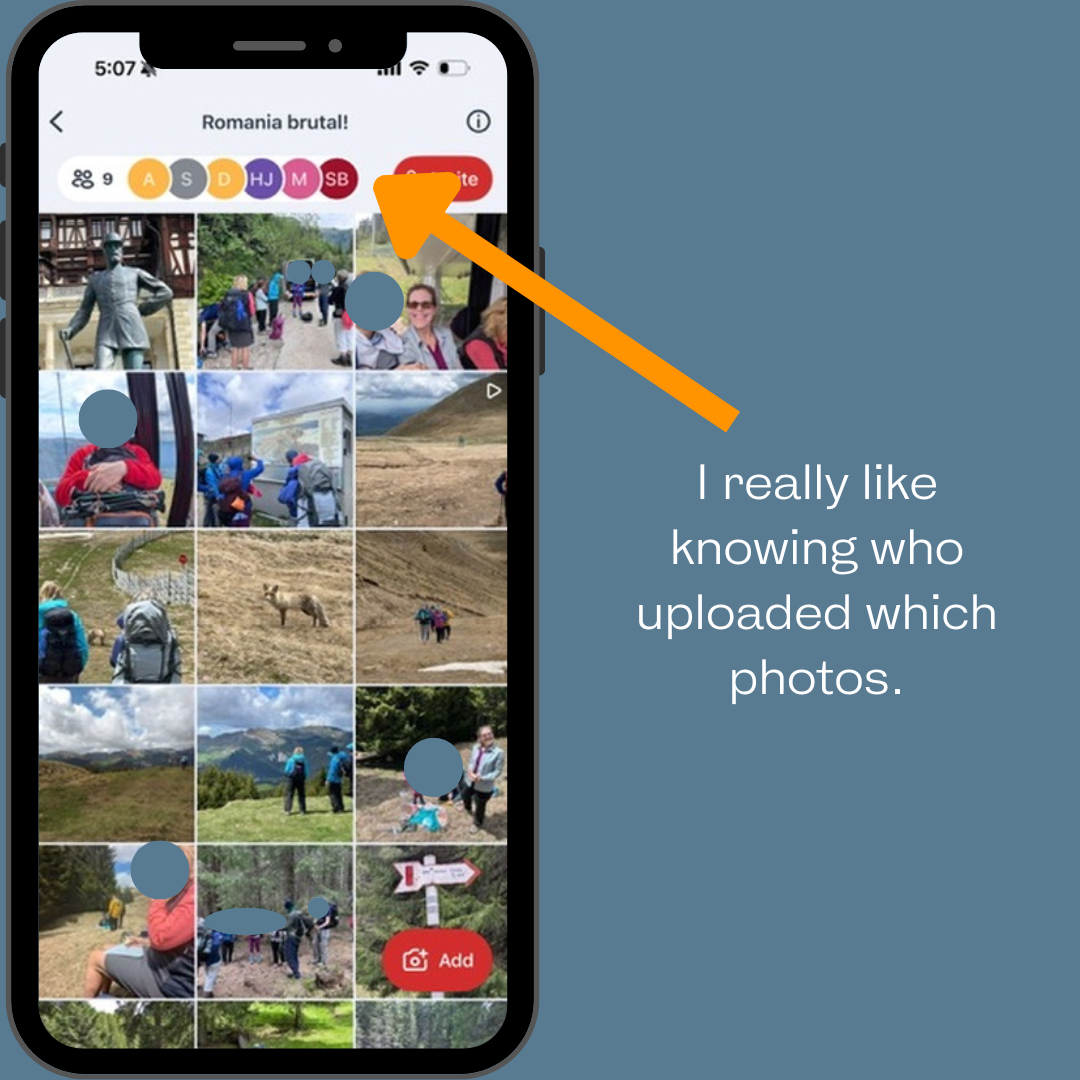
Screenshot from Photocircle from my trip to Romania.
The pros:
Very easy to get everyone on board. One person sets up the circle then can invite the rest or you can use a QR code.
Photos and videos upload very quickly.
You can see who uploaded any given photo, and filter to see who uploaded what.
You can see from your camera roll which photos and videos you have already uploaded - this is a big plus. How many times have you shared photos and forgot which ones you already uploaded?
Most metadata is retained.
There is a free plan.
You can comment on photos, but I doubt anyone would actually do that.
The cons:
The reason photos upload quickly is because on the free account photos are not uploaded in full size and quality. Videos are better. This is a non-starter for me and one reason I won’t use the free plan again. I always want full size photos, full stop.
Ads. These are annoying but not terrible and you can click out of them quickly.
Privacy. As mentioned above for this trip it didn’t matter as much, but when I first tried it out as an alternative to Shutterfly Teams when I was shocked that anyone in the circle could invite anyone else and there is nothing the originator of the circle can do to stop it. You can delete people after the fact, but this is another non-starter for me.
I have not tried the paid version, but it appears to fix some of my cons - you can upload at full resolution (although the documentation is confusing on this point) and there are no ads for the purchaser. The paid plan does not solve the privacy issues. There is some additional functionality on the paid plan.
If you travel in groups where you an entirely trust that the others with you won’t add people you don’t want to have access to your photos, this may be a good option but only if you purchase the PhotoCircle Plus plan ($9.99/year as of June 2026). In hindsight it would have been worth subscribing for a year for this trip, but because we were in the middle of the mountains with not great internet, it didn’t cross my mind.
What photo sharing app should you use?
Going through this experience let me once again think about the issue of what photo sharing app is best? The answer, of course, is it depends.
You need to think about your situation and your priorities. Consider the following:
who are you sharing with?
are you doing all the sharing or do others need to upload photos as well?
is it a small or large group?
what types of photos are you sharing?
how comfortable are you privacy-wise if your photos are shared more broadly?
PhotoCircle, had we used the paid version where the photos had been full size, was a decent option for my Romania trip because it was simple to use, I liked that you could see who uploaded what, and metadata was maintained. In this particular use case there was not much of a risk of anyone inviting anyone else to the Circle, not like there would be for a team sport, or using it to share photos with grandma who might want to share these photos with her friends and so on and so forth. I would never use this with a team, a school, any larger group where you could very easily lose control of who is in the circle.
Here are some other options for group sharing:
Note that If only you are sharing, almost all photo organizing software will allow you to create a link to share with others so that they can see and download your photos and videos.
Set up a shared album on Apple Photos. This works great if everyone has iPhones. The only people with access are the people that you invite to see the photos. These are not full resolution photos but they are large enough to print to perhaps a 5×7 if you wanted to use them in a photobook. Media in shared albums do not take up storage space in your iCloud account.
Set up a shared album on Google Photos. Like Apple shared albums, you control who can see and contribute to the album. While simple to use, this is not my favorite as Google sometimes strips important metadata and I can’t stand when photos lose their dates!
If you have SmugMug or FOREVER, these are great for sharing photos. You set up an album link for uploading. Photos retain all of their metadata and are much more secure and private than Google Photos or Photocircle. These are my favorite options if you have storage on either of these platforms. Note that while all SmugMug plans allow for unlimited photos and videos, any photos or videos uploaded by guests to your FOREVER account will count against your storage.
There is another app I am testing which looks very promising, but I’m not ready to share my thoughts into the wild yet as it is still actively being developed.
In the end, I love that I have all these extra photos from my trip to Romania, and when I make photo books I tend to only use the photos that I actually took so the lack of full size shared photos wasn’t terrible in this case. But I would much rather have full size photos and next time will set up the photo sharing myself to ensure that I get them :)