
What to do with Slides and Negatives?
If you are looking through your old collection of photographs, likely you have come across slides and negatives. The slides may be in carousels, or in little boxes, and the negatives likely are in the same envelopes that your photos (or mom’s photos) were in when they came back from the lab.
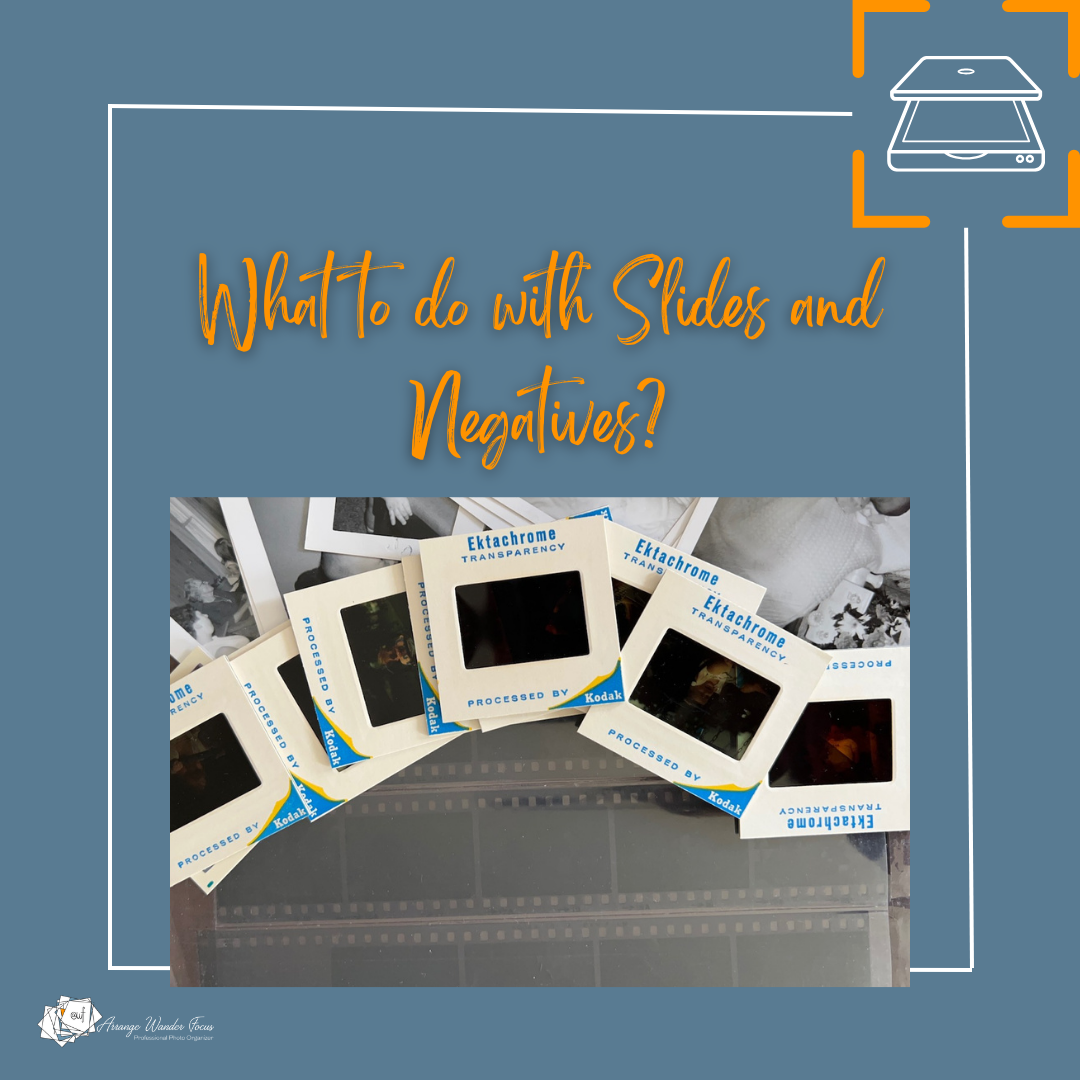
What do you do with them?
Believe it or not, slides and negatives of all sizes can be digitized just like your printed photos. In fact, often digitized slides and negatives, with the right equipment, look better than their corresponding prints! How is this possible?
The slides and negatives are the “original”. They are where the image goes when you or mom or dad pressed the shutter button on the camera. These originals were then sent to a print lab that made decisions about how to develop them. These were often automated to make the process faster meaning that the machines took the average colors and bulk cropped all the images. This wasn’t necessarily a bad thing, after all it kept the prices low and allowed for all those “$0.10” doubles in the 1980s and 1990s.
But digitizing the original media the right way can actually give you a better result than scanning the original prints. If they have been kept out of the heat and light you can recover much more from them than from the prints - especially if the original developer bulk cropped out the edges of the photo.
There are several options you can try to scan slides and negatives. You can do it yourself with your own scanner. Flatbeds can do a pretty good job with these, but they are very slow and the scans might be a bit soft. My favorite flatbeds are linked here but are getting hard to find so check out the Epson online store and keep an eye out on ebay and other places. There are other gadgets and phone apps that will scan slides and negatives, but the quality is not as good. This might be a good option in a pinch - if you don’t have access to the media for very long, or are worried that something will happen to it before you can scan it properly. Another option is to have them camera scanned by a professional photo organizer. The quality will be higher, the scan will be sharper, and the colors can be adjusted properly.
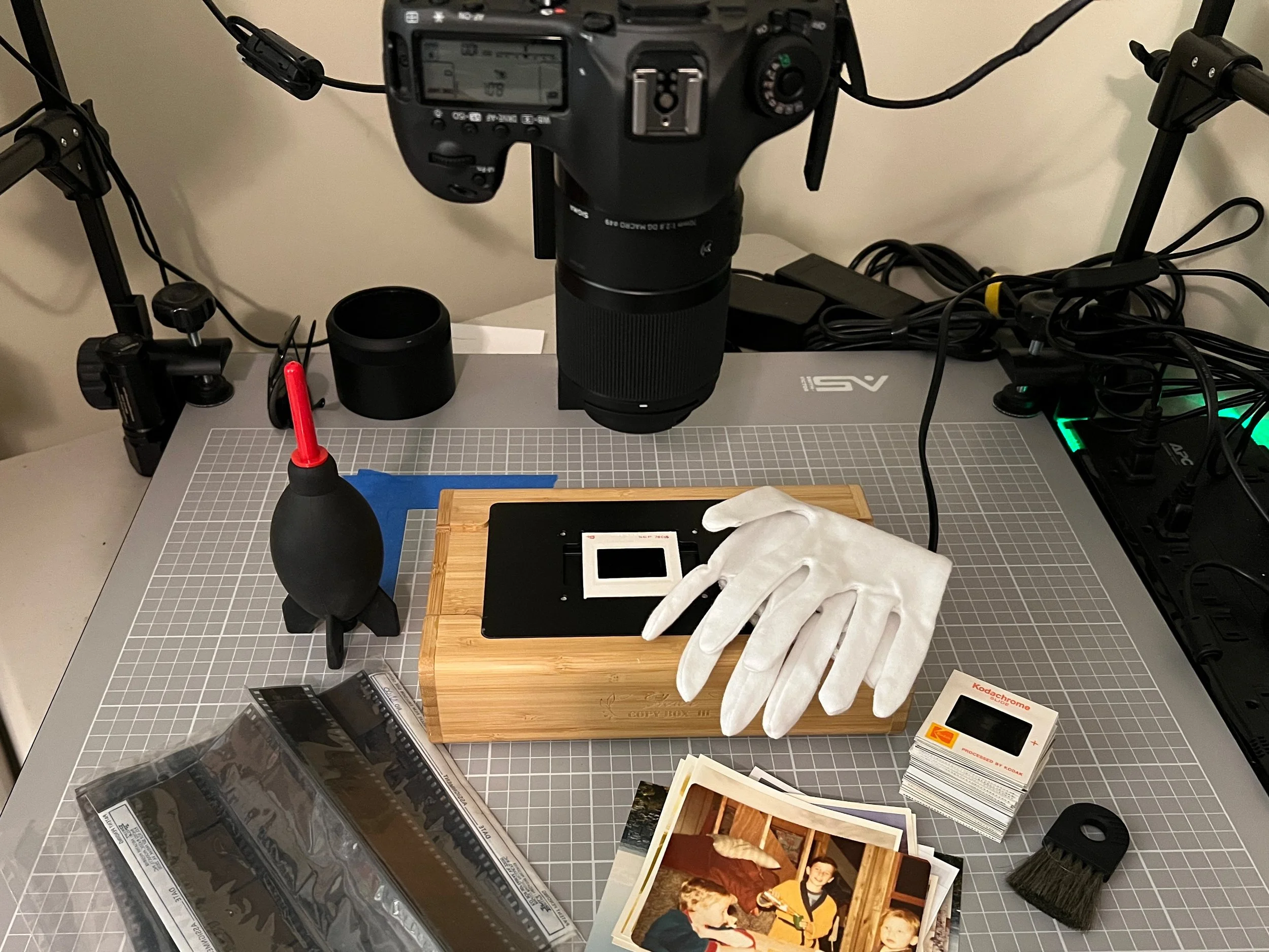
Camera scanning setup for slides and negatives.
If you decide to scan your slides and negatives, you may want to look at them first to see whether they are worth scanning. This is not the easiest thing to do, but there are some products out there that can give you a better look. You can view slides through an inexpensive viewer, and get a light table to view negatives. Because they are so small, you cannot always tell if the image is sharp, but at least you can see whether it is a photo full of people or an image of a flower and make decisions about whether you want to digitize them. Check out my favorite products page for these items.
So before you toss your slides and negatives, take a look and consider digitizing them. Or put them in archival packaging to store them away for a later date. Who knows what you might find in them?